ProdigyClear Energy Healing System
Advanced energy work, made easy, for every experience level.
ProdigyClear is a powerful, complete system for energy healing work – built by healers for healers. Discover what is out of balance via intuition or muscle testing, release it with the app’s guided instructions, then send your client a beautiful and professional record of their session. This powerful app contains a reference library of more than 6,000 entries and includes advanced techniques and divination tools that draw from a live quantum source.
On the App Store for iPhone, iPad, and Mac, and on Google Play for Android.
How It Works
1. Find It
Ask what is most important to address first, then work through the library, letting intuition or muscle testing point to the item that needs alignment.
2. Release It
Hold the intention to release it: let the Higher Self do it, or swipe a crystal, a magnet, or your hand over the top of the head, front to back.
3. Confirm and Record
Confirm the change with intuition or muscle testing, and add each item to the session so the record builds itself while you work.
The Reference Library
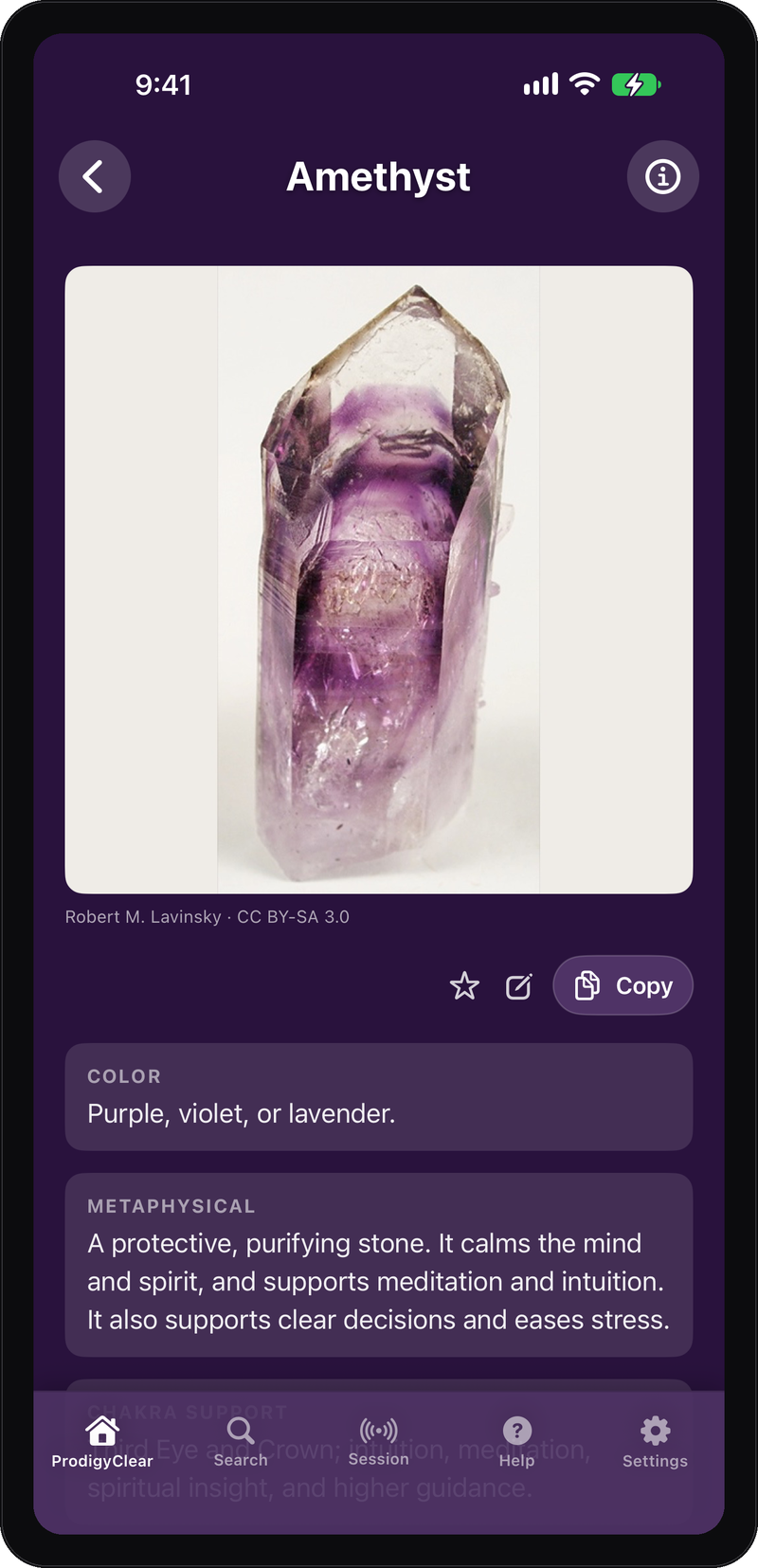
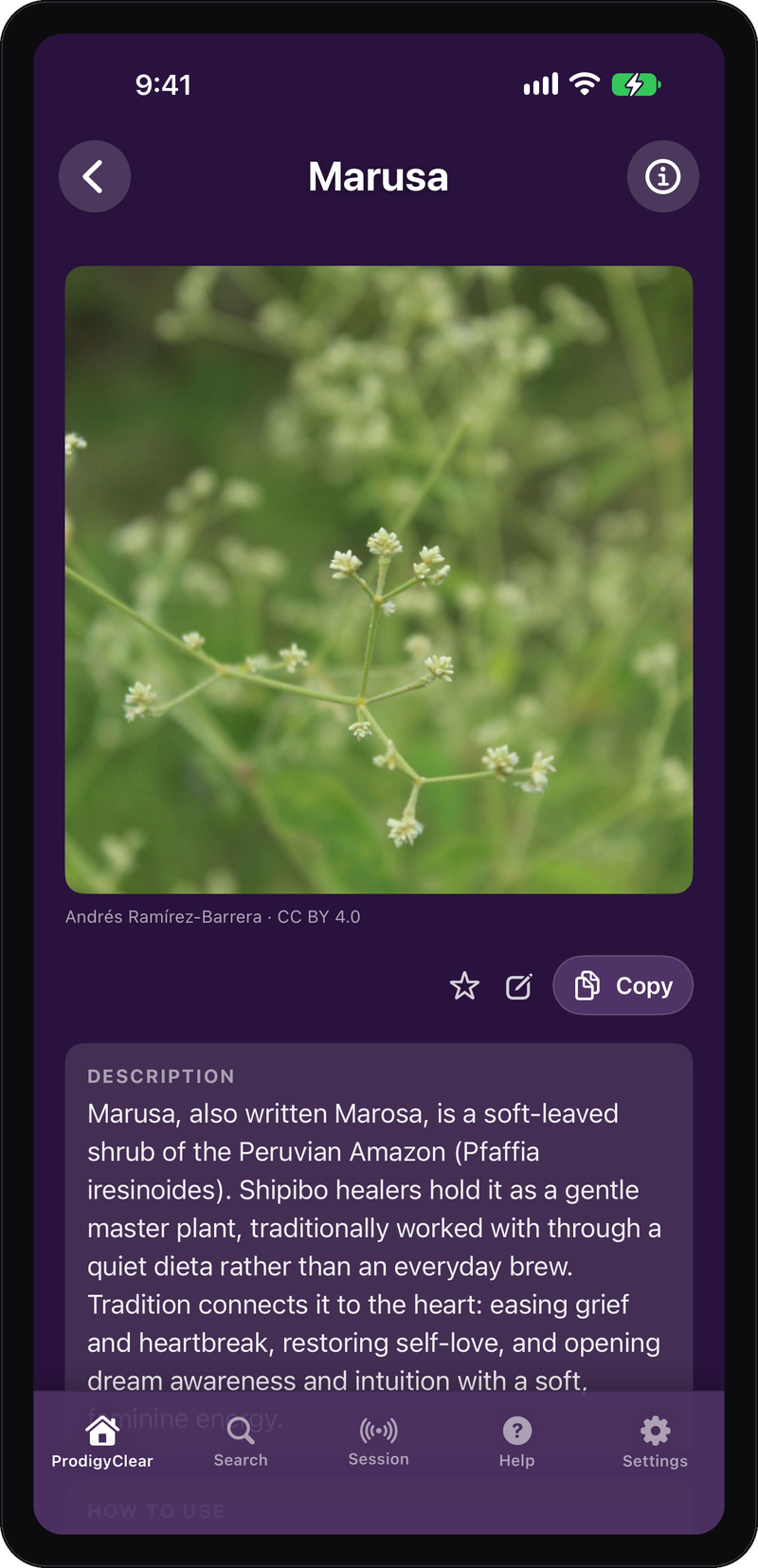
Open any item and get the whole picture: what it is, what it addresses, and exactly how to work with it. Many lists have photos, detailed information, and specific instructions.
More than 5,000 entries, from crystals and herbs to chakras, emotions, and beliefs. Search across all of it, or browse one section at a time.
The whole library is free, needs no account, and works offline. Updates bring new entries and improvements without waiting for app updates.
How ProdigyClear is Organized
Find any item in seconds without knowing which chart holds it. Search reaches across sections and entries throughout the app, and each item keeps its reference material and working guidance together, so you do not have to rebuild the context from a separate chart or book.
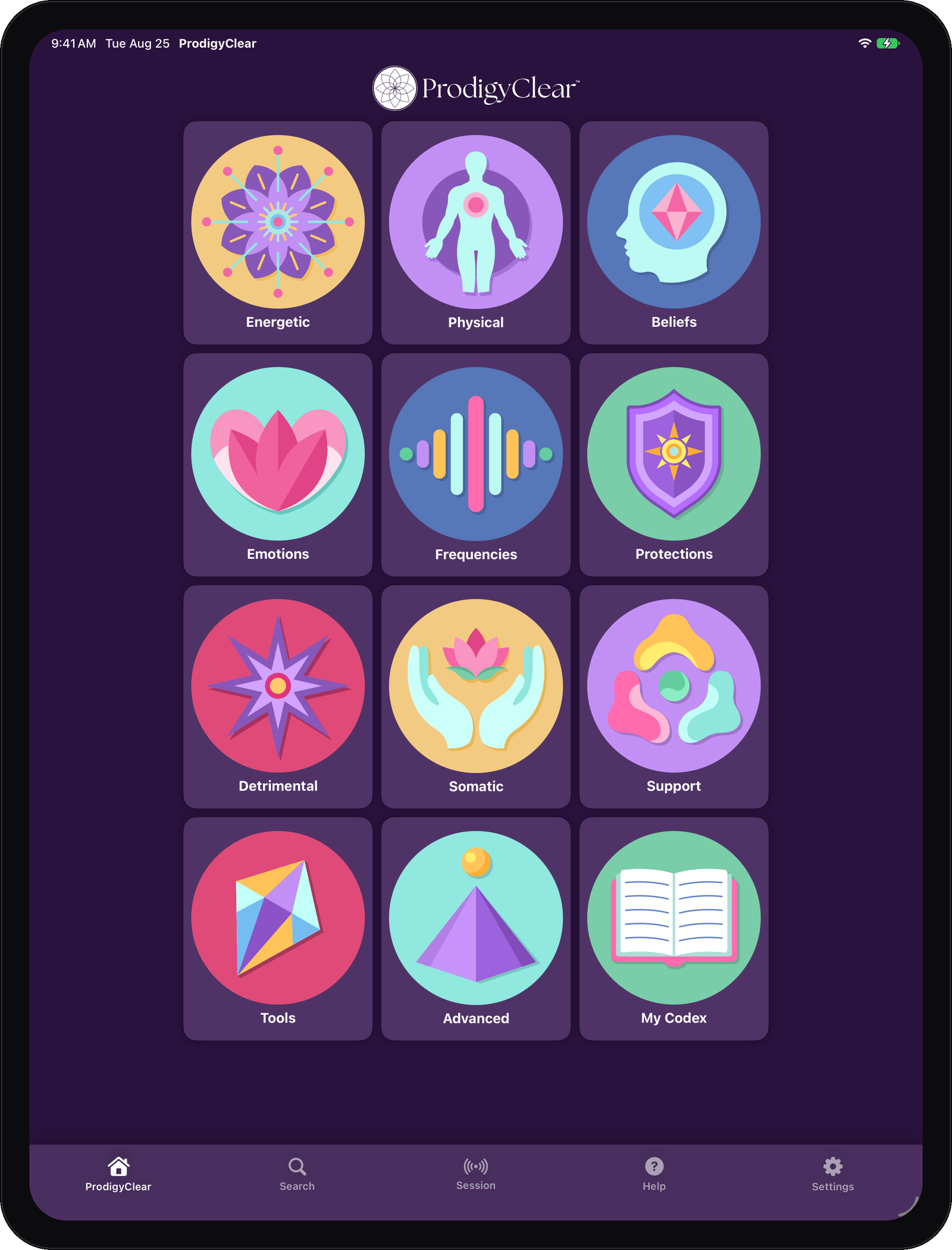
The ProdigyClear home screen gives the work a map. Energetic, Physical, Beliefs, Emotions, Frequencies, Protections, Detrimental Energies, Somatic Practices, and Support Beyond the Session organize the reference and support material. Tools, Advanced, and My Codex extend the practice. Long lists can be filtered, and many can be viewed in their working order or randomized for testing.
Running a Session
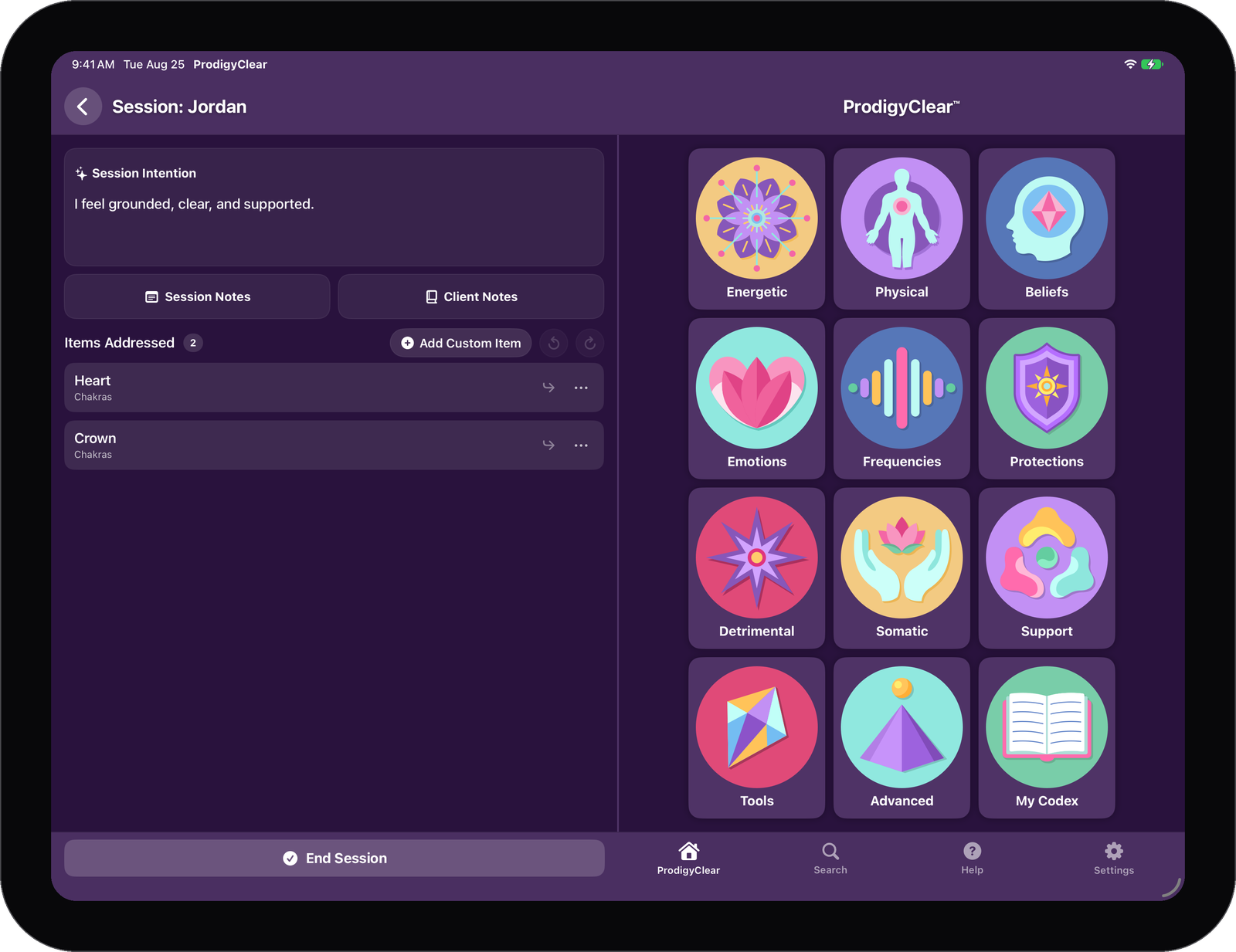
A session is where the healing work happens. Run it start to finish without leaving the app: start with yourself or the person you are working with, set an intention, work through the library, add each item as it comes up, add notes, and place related items together. Return to an open session without losing your place.
When the session is complete, ProdigyClear turns the work into a polished record. Review it, export the PDF, print it, or share it.
Tools
Work with live tools and guided practices in the middle of a healing session, without leaving the app. Tools and Advanced open with ProdigyClear Cloud. Free practices such as Tapping stay open in the reference library.
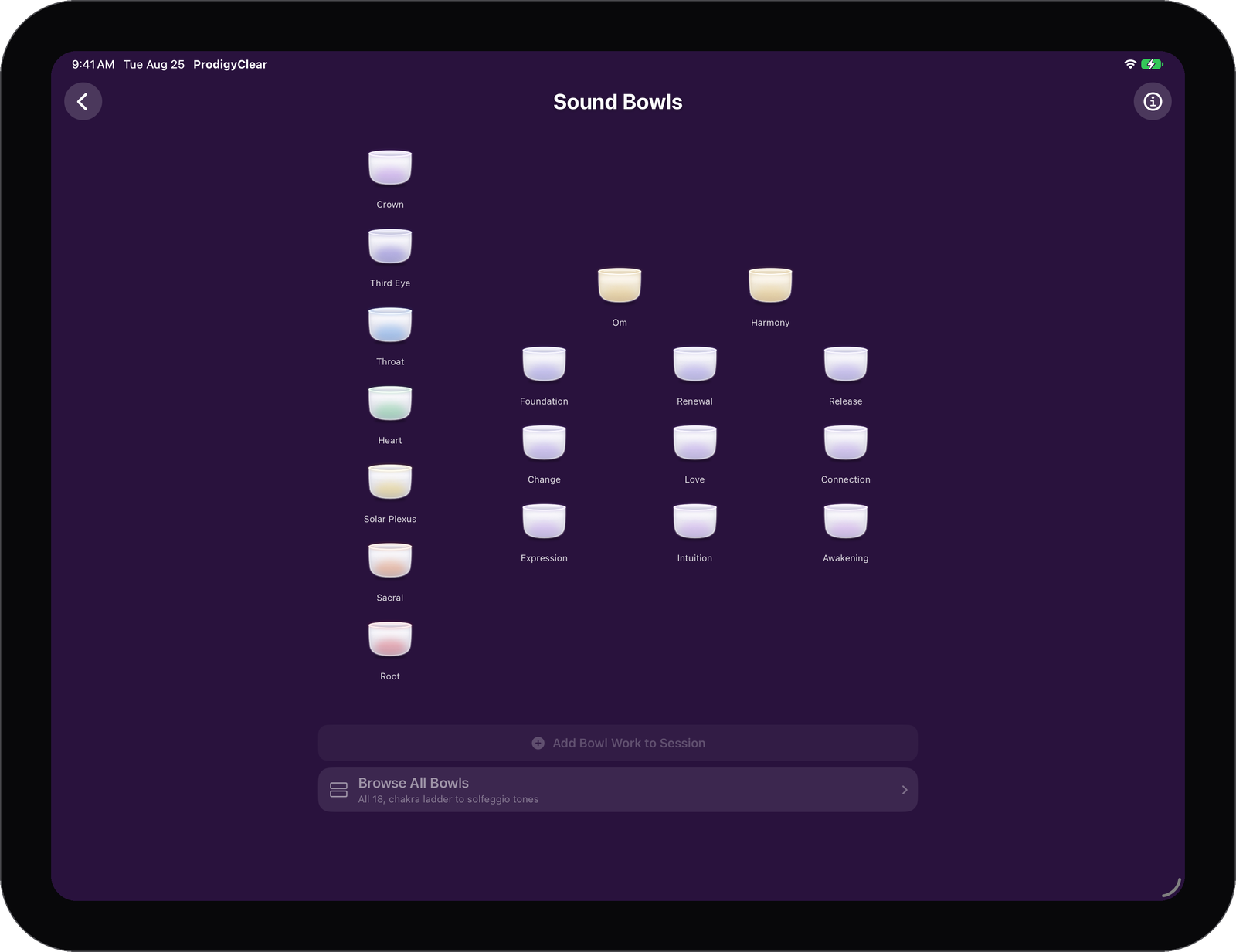
Session Instruments
Work with the Body Map and 18 live Sound Bowls.
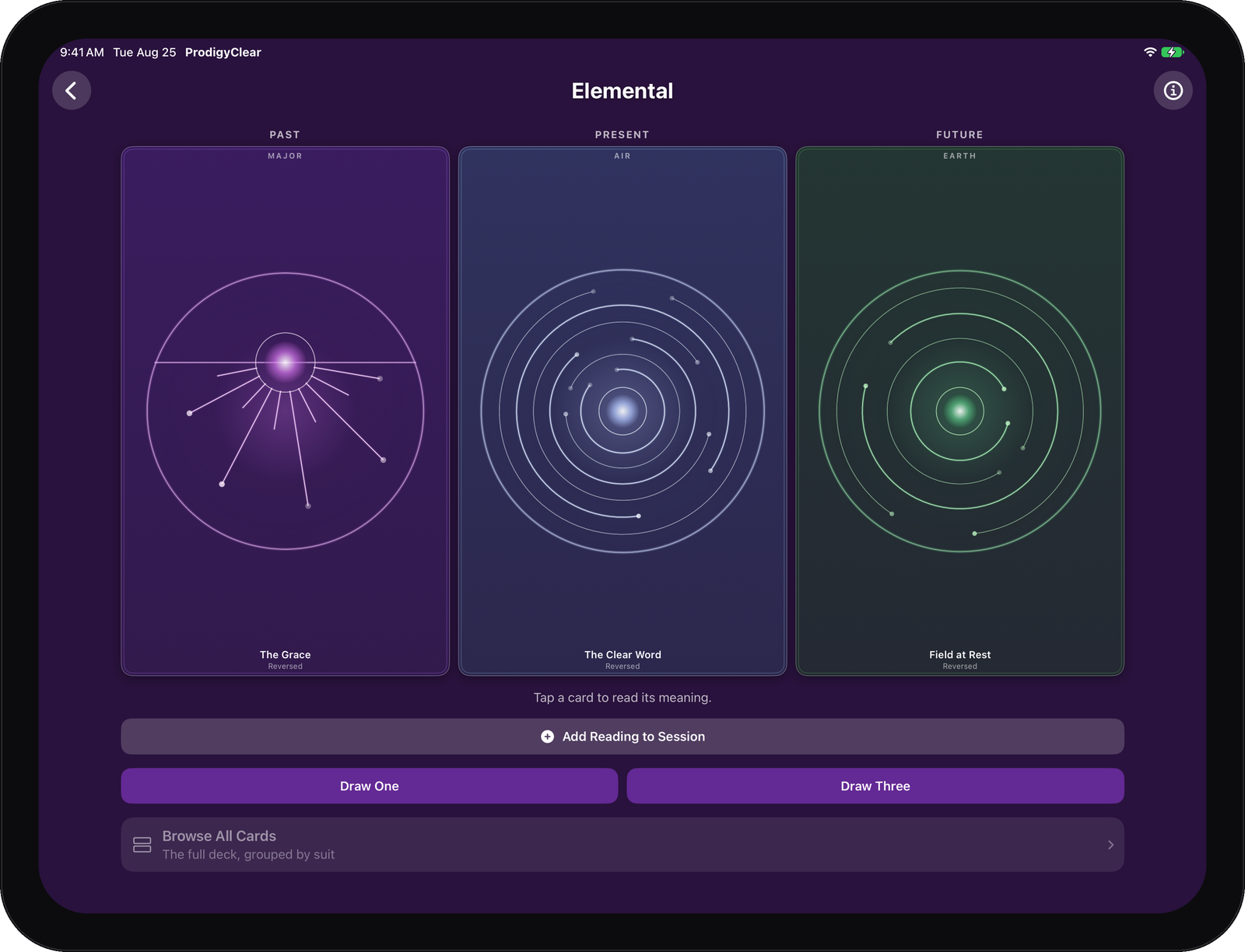
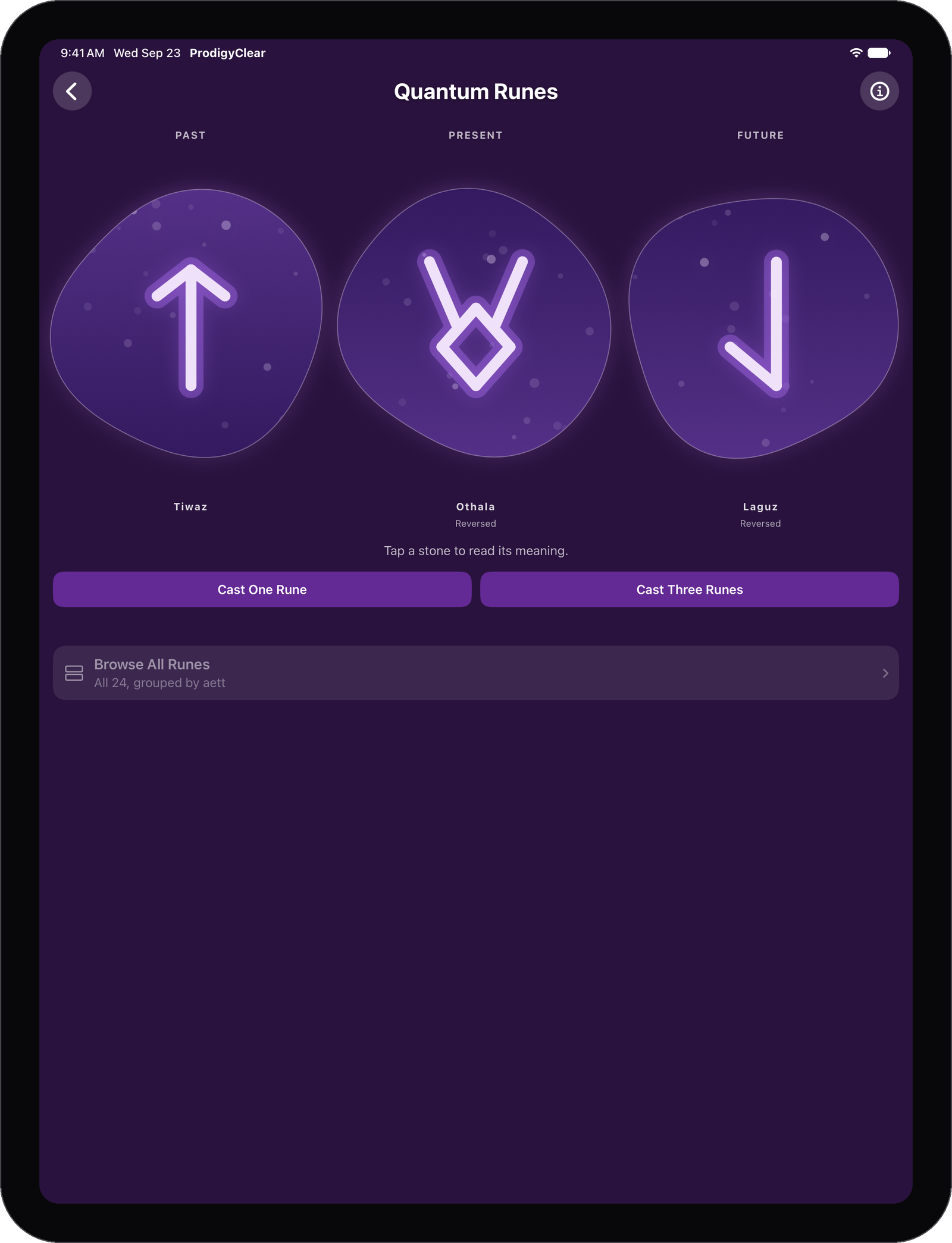
Original Decks and Castings
Draw from 122 original oracle cards across the Elemental and Atlantean decks, cast all 64 I Ching hexagrams, or work with 24 Quantum Runes. Draws use quantum randomness from a live source.
Practices You Can Follow
Open guided Breathwork, Mudras, Tapping, Rays, Flames, activations, journey work, and other structured practices without leaving the app.
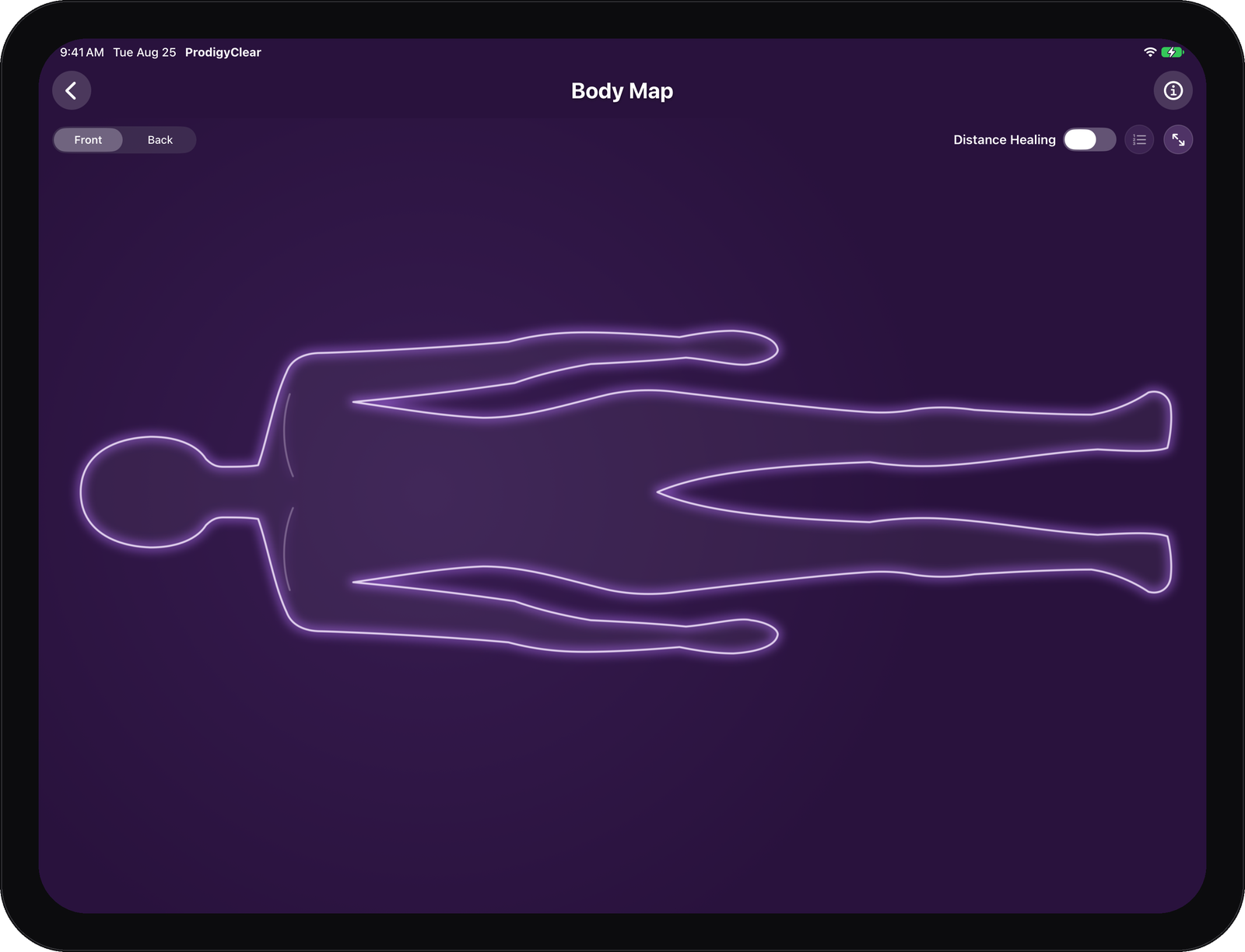
Body Map
Use the Body Map to perform distance healing, front or back, or use it to catalog each section of the body you’ve worked on during a session.
Your Own Material and Records
Your original entries, favorites, and finished records live in the same app as the library, instead of scattered across notes, files, and browser tabs.
My Codex
Give your own material the same standing as the built-in library: your entries appear in Search, open like built-in items, and can be added to a session. Create original entries, gather favorites and notes, and return to recently viewed material.
Finished Records
Hand over a polished PDF that carries your own identity: practitioner name, business, website, logo, accent color, and preferred page size. Email it to your client with a tap, or export, print, or share it.
Advanced Work
Move into deeper work with structured material for inner child work, ancestral patterns, core wounds, journeys, activations, and more.
Prodigy AI
Get a full written reading built from the material you enter, in tools such as Dream. Prodigy AI runs only when you choose to turn it on.
What ProdigyClear Cloud Includes
One subscription unlocks sessions, client management, all tools, advanced processes, My Codex, Prodigy AI, and backup and sync across your devices – plus app customizations and personalizations to match your practice’s branding. The reference library is free for everyone.
If a subscription ends, past session records remain readable and PDF-exportable. Your past work is never held behind the paywall.
Privacy and Offline Use
Work without an Internet connection and keep your practice data on your own device. ProdigyClear is offline-first: the free library requires no account, and local practice data stays on your device unless you choose a cloud feature such as backup and sync or an optional Prodigy AI reading.
The app does not ask for microphone, contacts, or location access. The camera is asked for only when you take a photo for a client’s Chart Notes.
If a ProdigyClear Cloud subscription ends, local data remains on the device. Past session records stay readable and exportable, and the reference library is unaffected.
Get Certified in ProdigyClear
Completed ProdigyClear certification lets you present yourself as a Certified ProdigyClear Practitioner. The program teaches the healing system itself and establishes your professional credential.
Certification and the ProdigyClear subscription are separate. A subscription unlocks the app’s working features; certification is your professional credential.
ProdigyClear Questions
What is Included?
The reference library is free. Browse, search, and open its complete entries without an account or subscription.
What does ProdigyClear Cloud include?
One subscription unlocks sessions, client management, all tools, advanced processes, My Codex, Prodigy AI, and backup and sync across your devices – plus app customizations and personalizations to match your practice’s branding.
Does ProdigyClear work offline?
The on-device library and local practice data remain available offline. Signing in, purchasing, restoring, syncing, receiving content updates, and using cloud-powered features require an Internet connection.
What happens if my subscription ends?
The reference library is unaffected, and local data stays on the device. Past session records remain readable and exportable. Starting new work in subscription areas requires an active subscription.
Do I need certification?
Certification is not required to explore the library or use the working app. Anyone may use ProdigyClear with clients, including paying clients. Only those who have completed ProdigyClear certification may call themselves a Certified ProdigyClear Practitioner.
Which devices are supported?
ProdigyClear runs on iPhone, iPad, compatible Mac computers, and Android, and is on the App Store and Google Play.
Get ProdigyClear
ProdigyClear is on the App Store for iPhone, iPad, and Mac, and on Google Play for Android. The reference library is free and needs no account.
Questions or feedback? Contact us.
Also from Prodigy
Prodigy Mindsight
Practice Mindsight and Clairvoyance on your own or with a Mindsight teacher: a target you cannot see, your answer before the reveal, and your real odds compared with guessing.
Prodigy Lightfield
Hold an intention and watch a field of light show you what chance is doing, moment by moment. Lightfield Plus draws the light from a quantum source.