Mindsight Training and Teaching
Learn to see with your eyes covered, and teach others to do the same.
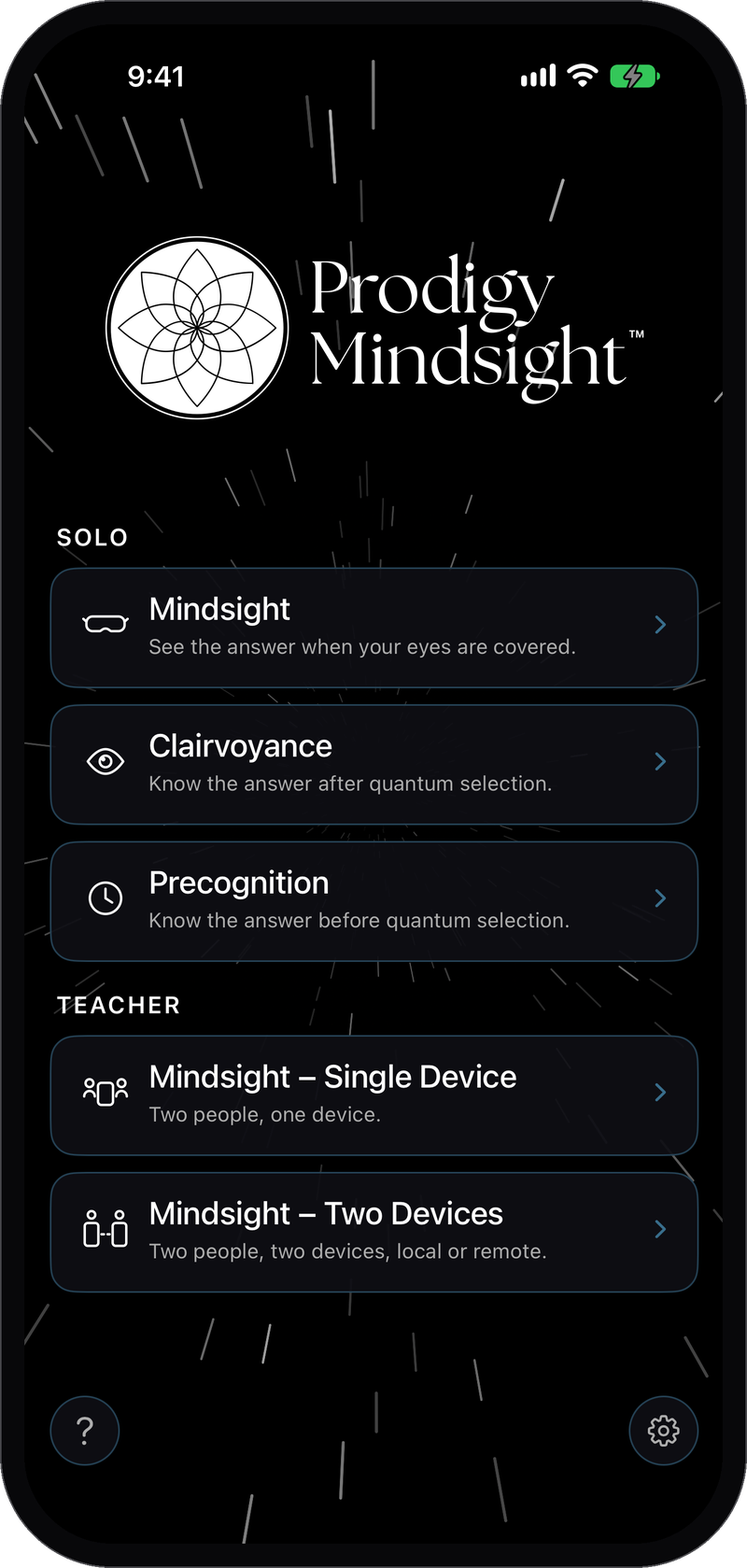
Practice Mindsight and Clairvoyance on your own or with a Mindsight teacher. The app shows you a target you cannot see. You say what you perceive, the target is revealed, and you learn how often you were right compared with guessing.
Teach it too: run sessions with a student on one device or on two, across the room or across the world, and keep a record for each student.
Built for iPhone and iPad.
How a Practice Run Works
1. Set Up
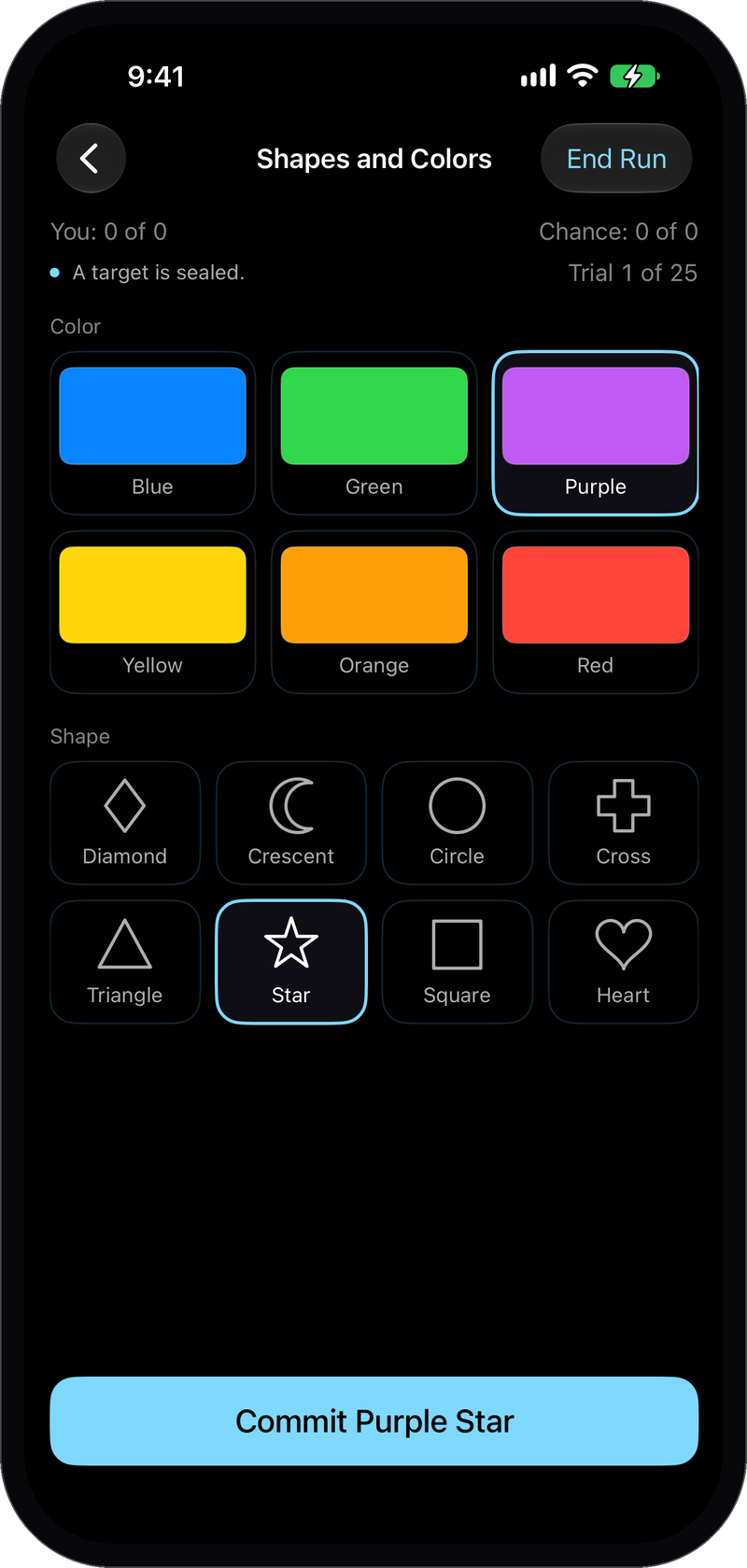
Choose the practice, what you want to practice with, and how many tries: 10, 25, 50, or 100.
2. Give Your Answer
Say or tap what you perceive. Nothing is revealed until you do.
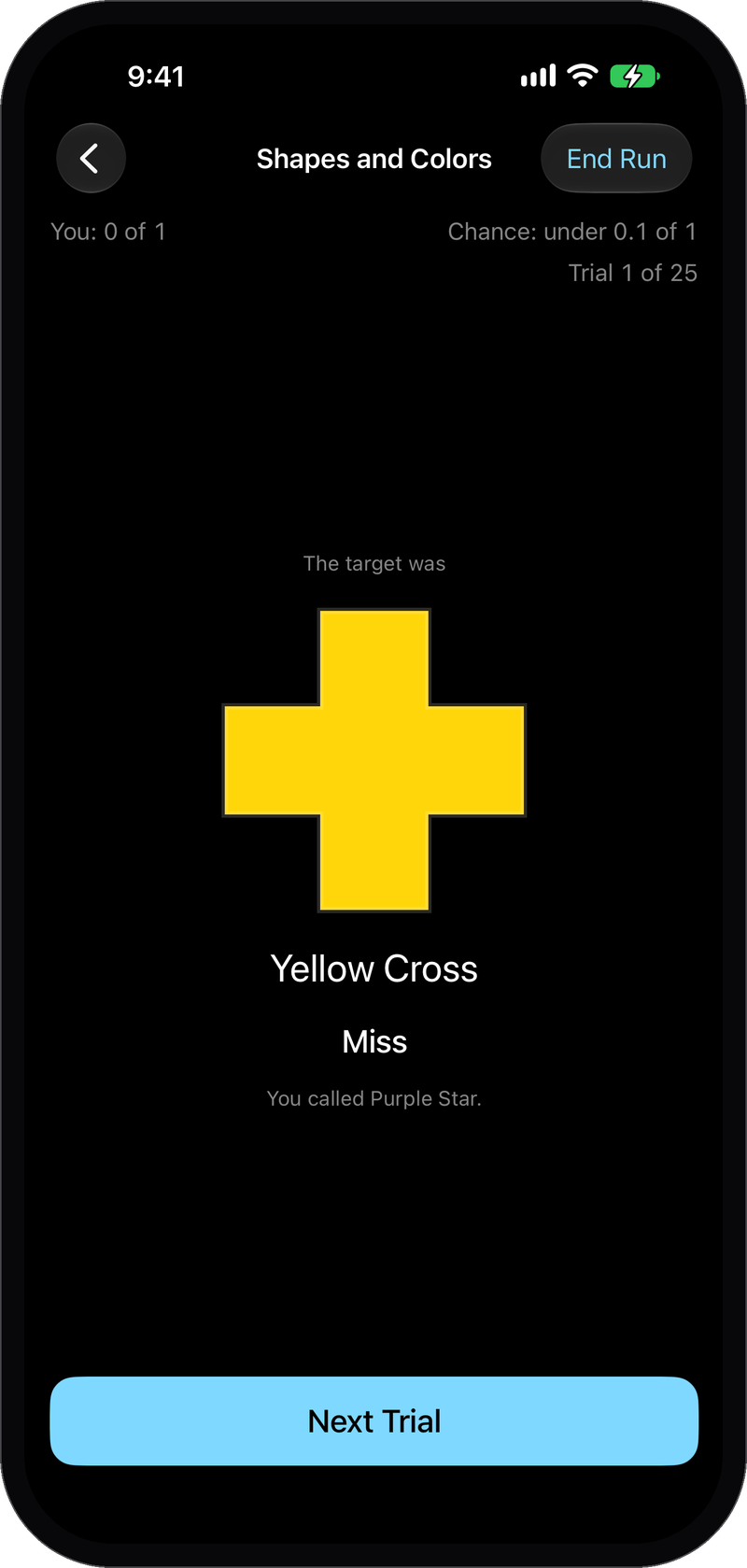
3. See the Result
The target appears next to your answer, hit or miss.
4. Read the Record
At the end you see how many you got right, how many a guess would get right, and the odds of doing that well by luck.
Practice on Your Own
Three ways to practice, alone on one device. The difference is when the target exists.
Mindsight
The target is on the screen while your eyes are covered. The app can talk you through the run, and you answer by speaking or by touch.
Clairvoyance
The target is drawn and hidden before you answer.
Precognition
You answer first. The target is drawn afterward.
Practice with a Mindsight Teacher
A teacher runs the session and keeps a record for each student.
Single Device
The teacher holds the device and the student answers with their eyes covered. Let the app draw the target for a scored try, or pick one yourself to guide the student. Open answers are kept in the record but not scored.
Two Devices
One device holds the target and the other takes the answer, in the same room or anywhere in the world. The student’s device shows nothing until they have answered, then both reveal the result together. A six-character code joins them.
Running teacher sessions is part of Mindsight Teaching. Students need no account or subscription to join. Hosting a Two Devices session requires a Prodigy Account. Past students and sessions stay readable if a subscription ends.
Choose What You Practice With
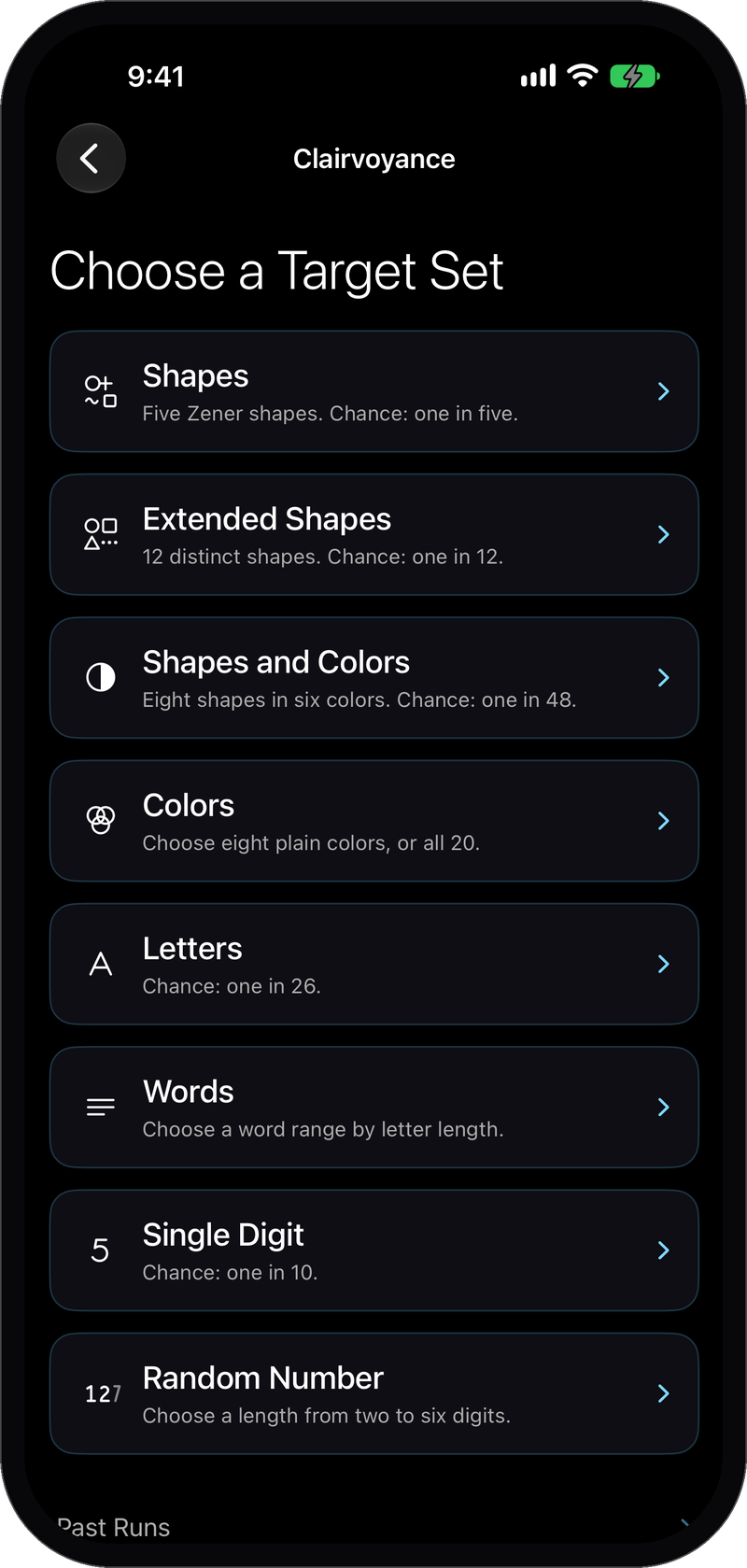
Start with the classic five shapes, or move on to 12 shapes, colors, shapes and colors together, letters, single digits, 1,262 words, or numbers from two to six digits.
Each set tells you how often a plain guess would be right, and every result is judged against that. A harder set is not a better set. Targets are drawn with quantum randomness.
What the Record Tells You
The odds belong to a run finished at the length you chose at the start. Stop early and the record keeps your counts but not the odds, so a lucky streak cannot be locked in by quitting on it.
Targets a teacher picks and open answers stay in the record but are not scored.
Privacy
Practicing on your own needs no account, and your records stay on your device. When you answer by voice, the audio is processed on the device and never saved or uploaded. Only the answer you confirm is kept.
Prodigy Mindsight Questions
What is Included?
Three practices, every set of targets, saved runs, and the odds for every scored run. Practicing on your own is free and needs no account.
Do I need a teacher to practice?
No. A teacher adds guided sessions and a record for each student.
What does Mindsight Teaching unlock?
Teacher sessions on one device, and hosting Two Devices sessions. Students join free with a code.
Does Voice upload or save audio?
No. Audio is processed on the device and never saved or uploaded. Only the answer you confirm is kept.
Where do the targets come from?
From a quantum random source first. If that source cannot be reached, the app uses a backup source and says so in the record.
Which devices are supported?
iPhone and iPad, from the App Store.
Get Prodigy Mindsight
Prodigy Mindsight is on the App Store for iPhone and iPad. Practicing on your own is free and needs no account.
Questions or feedback? Contact us.
Also from Prodigy
ProdigyClear
A powerful energy healing system built by healers for healers: a reference library of more than 6,000 entries, working tools, sessions, and finished client records in one app.
Prodigy Lightfield
Hold an intention and watch a field of light show you what chance is doing, moment by moment. Lightfield Plus draws the light from a quantum source.